
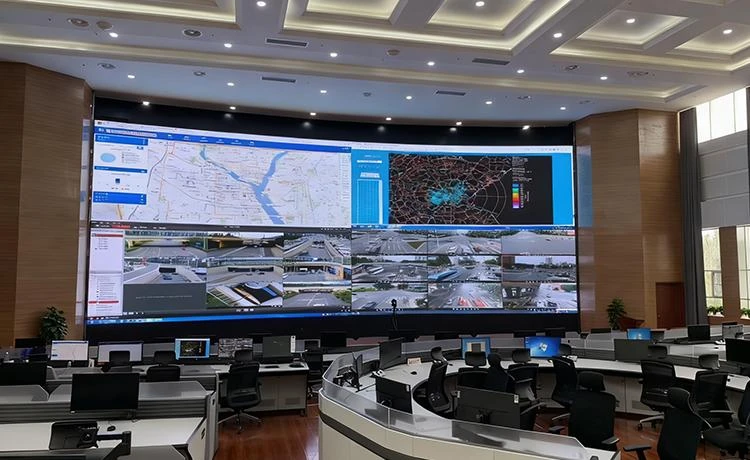
Calibrating signal path

004/100
Micagent
Micagent

Micagent

AN AI SYSTEM THAT SEES THE BIG PICTURE. Long-distance low-latency wireless video. Provide pixel‑level precision control for creativity.

MICAGENT / 2026

From seeingto understanding.

Four connected product families. One engineering approach: preserve signal integrity, simplify operation and scale without compromise.

02 / Signal logic

Hover, focus or tap to advance

Micagent signal flow: capture, connect, visualize, analyze, act

CAPTURE / TRANSPORTANALYZE / ACT

01 — SYSTEMS

Built around the wayyour signal moves.

From one device to a complete system. Bring capture, transmission, display and analysis into a connected signal path.

In this range01 / 04
Seamless 4K60 HDMI Matrix 4×4 with Splicing4×4 / 4K60

Switch and compose multiple sources on the right screen. Explore matrices, multiview processors and video-wall control.

Explore this range22
Four product ranges. One connected path.

02 — Products

Find the right device.Connect what comes next.

Browse by product range or search a model, interface or keyword. Start with what your system needs.

Showing 8 / 8 products

Specifications vary by model and configuration. Open a product for details; confirm system combinations for your project.

03 — Applications

Start with the application.Connect the system.

Build from the task on site. Make the signal path, device choices and operation easy to understand.

Command & shared displays
Application illustration

Bring sources from different locations onto shared displays for monitoring, switching and video-wall composition.

  1. 01HDMI sources
  2. 02AV over IP transport
  3. 03Video-wall processing
  4. 04LED / LCD display

Confirm interfaces, resolution and control across the transport system and processor.

Discuss this workflow
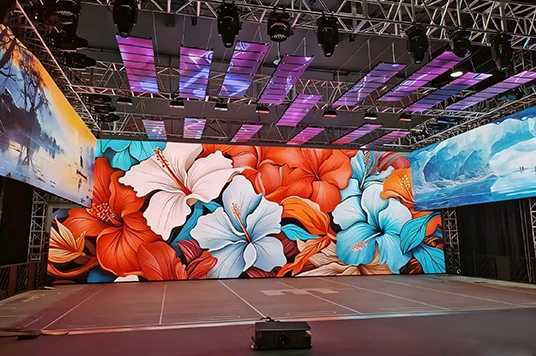
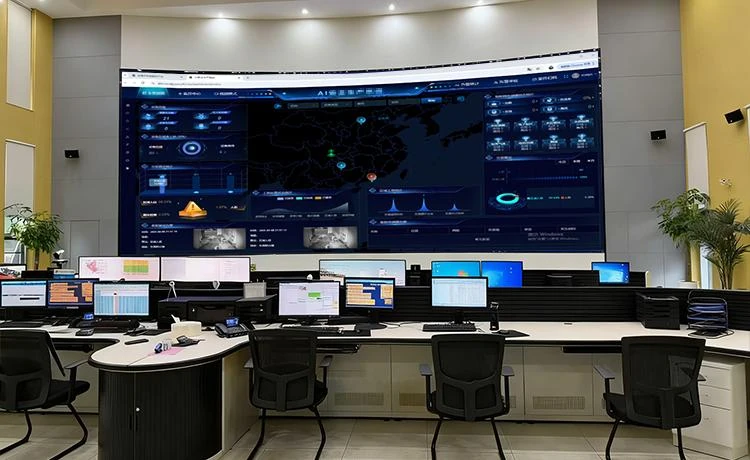
Reference workflows, not delivered projects. Confirm models, interface compatibility and deployment conditions for each project.

04 — Support

Understand the product.Move the project forward.

A specific model or an early idea — start here. Make documentation, selection and the next conversation straightforward.

Before you begin

01What if I do not know the model yet?

Describe the application, source types and counts, display endpoints, distance and network conditions. A diagram of your existing system can also help.

02Are the reference workflows ready to deploy?

They explain a system direction. Confirm interfaces, resolutions, protocols, control methods and on-site conditions for the chosen devices.

03Can I download manuals or firmware directly?

Request them by email. Files are provided after checking the model, hardware version and availability. Nothing is downloaded or sent automatically.